
create and mount a new VM disk
written from here
edit VM: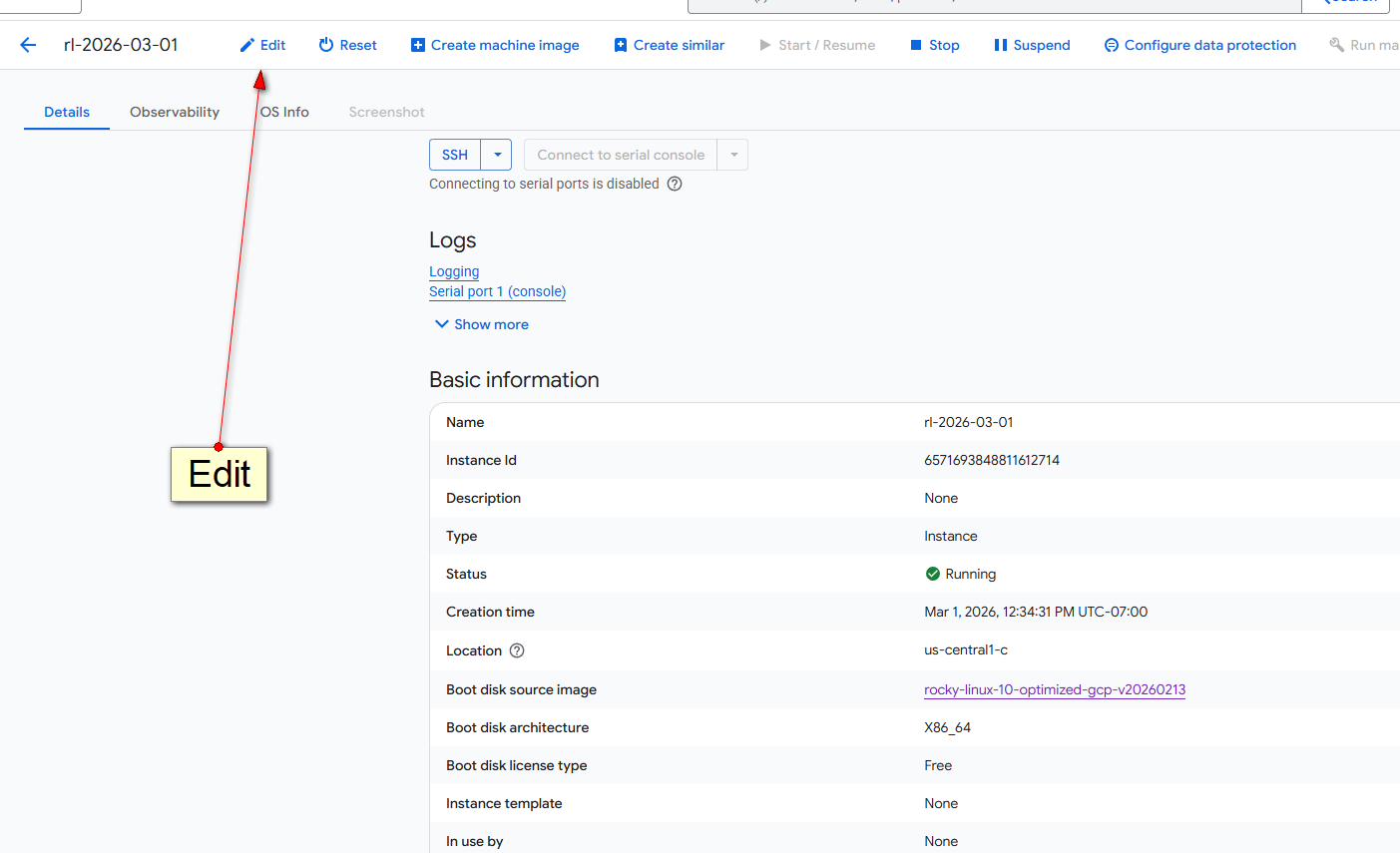
create new disk or use existing one:
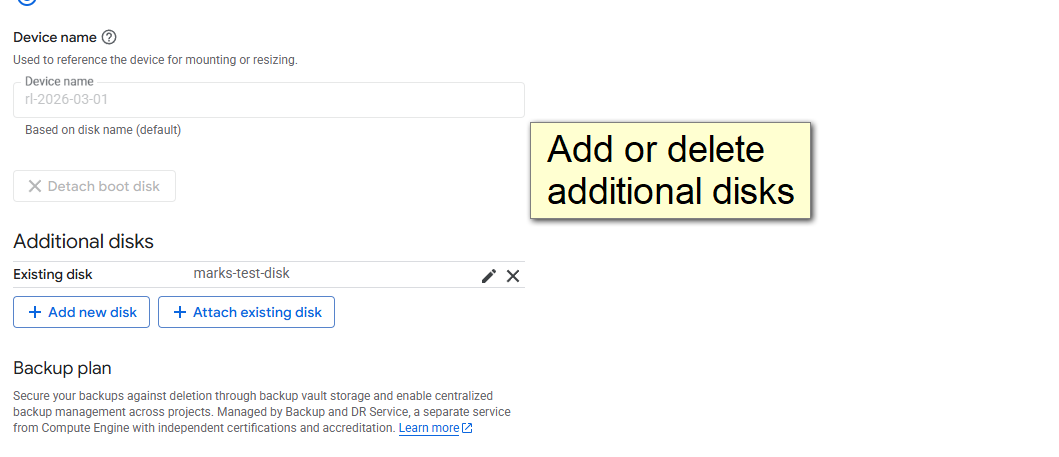
Once completed, please logged in and do the following
lsblk ; # look for: sdb 8:16 0 100G 0 disk
fdisk -l ## get the device name
mkfs.ext4 /dev/sda ; ## format the disk
mkdir /dev/sda3 ; #create a new mountpoint directory
mount /dev/sdb /dev/sda3 ; ## mount the new device to the new directory
lsblk ; ## notice the change: /dev/sdb 102626232 24 97366944 1% /dev/sda3
df ; ## notice new /dev/stb mounted on /dev/sda3
umount /dev/sdb ; ## optionally unmount
rmdir /dev/sda3 ; ## optionally remove mount point
